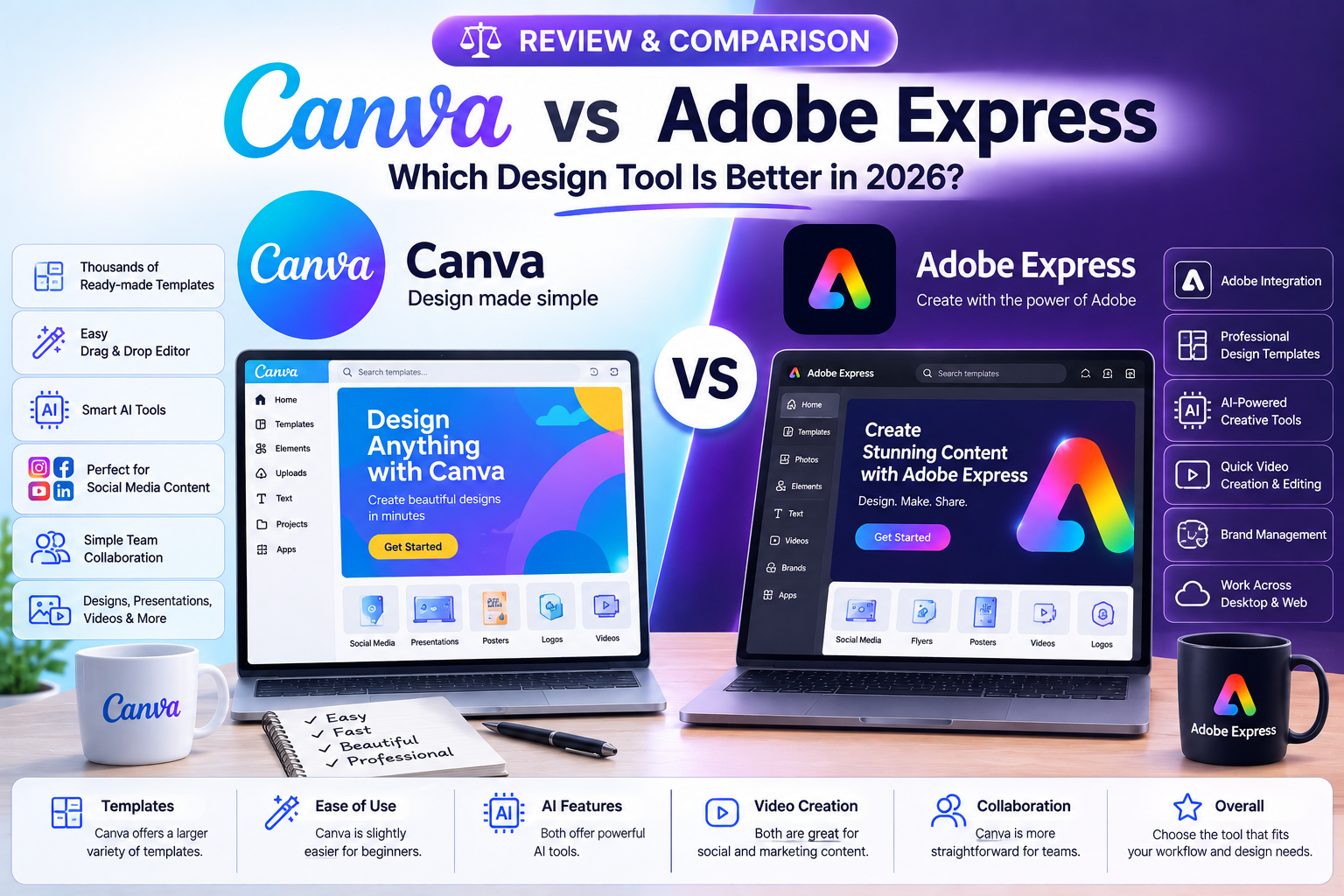
Canva vs Adobe Express: Which Design Tool Is Better in 2026?
In this comparison, we’ll look at Canva and Adobe Express based on ease of use, templates, design features, AI tools, collaboration, content creation, and overall value.
1. What Is Canva?
Canva is an online design platform designed to make graphic design simple for beginners and professionals.
It provides templates and design elements for:
- Social media posts
- Presentations
- Posters
- Flyers
- Logos
- Business documents
- Videos
- Infographics
- Marketing materials
Its drag-and-drop interface makes it easy to create designs without advanced graphic design knowledge.
2. What Is Adobe Express?
Adobe Express is a web-based creative tool from Adobe that focuses on quick and simple content creation.
Users can create social media graphics, videos, flyers, presentations, promotional content, and other visual materials.
It also connects with the broader Adobe ecosystem, which can be useful for users who already work with Adobe products.
3. Ease of Use
Canva
Canva is designed with beginners in mind. Its interface is straightforward, and users can quickly select a template and start editing.
The drag-and-drop workflow makes it easy to move elements, change colors, replace images, and edit text.
Adobe Express
Adobe Express also offers a beginner-friendly interface with templates and simple editing tools.
However, users who are completely new to Adobe products may need a little time to become familiar with the platform.
Winner: Canva
Canva has a slight advantage for users who want the simplest possible design experience.
4. Templates
Templates can save a lot of time when creating visual content.
Canva offers a large collection of templates covering many categories, including business, education, social media, marketing, and personal projects.
Adobe Express also provides a wide range of professionally designed templates.
Winner: Canva
Canva is particularly strong when you need a template quickly for a specific type of content.
5. Design Features
Both platforms provide tools for editing text, images, backgrounds, shapes, colors, and layouts.
Canva focuses heavily on easy visual editing and quick content creation.
Adobe Express provides a similar experience while also benefiting from Adobe’s broader creative ecosystem.
Winner: Depends on Your Needs
Canva is excellent for fast everyday designs, while Adobe Express can be attractive to users already familiar with Adobe’s creative tools.
6. AI Features
AI is becoming an important part of modern design platforms.
AI-powered features can help users generate content, edit images, create design ideas, remove backgrounds, and speed up repetitive tasks.
Both Canva and Adobe Express continue to introduce AI-assisted features.
Winner: Tie
The better choice depends on which AI features you need and how they fit into your existing workflow.
7. Social Media Content
Both platforms are useful for creating social media content.
You can create:
- Instagram posts
- Stories
- YouTube thumbnails
- Facebook graphics
- LinkedIn posts
- Promotional banners
- Short videos
Canva provides a particularly large selection of social media templates.
Adobe Express also provides templates and tools designed for quick social content creation.
Winner: Canva
For users who create social media content frequently, Canva is generally easier to work with.
8. Video Creation
Modern design platforms are not limited to static images.
Canva provides simple video editing tools that allow users to create social media videos, presentations, promotional clips, and other short-form content.
Adobe Express also includes video creation and editing features designed for quick projects.
Winner: Tie
Both are suitable for basic video content. Users with advanced video editing requirements may need more specialized software.
9. Brand Management
Businesses often need to maintain consistent colors, fonts, logos, and visual styles across different designs.
Canva provides brand-focused features that allow teams to organize brand assets and maintain consistency.
Adobe Express also supports brand management and integrates with Adobe’s creative ecosystem.
Winner: Tie
Both platforms can work well for businesses, depending on the team’s workflow and existing software.
10. Collaboration
Collaboration is important when multiple people work on marketing materials, presentations, or social media content.
Canva allows users to share designs and collaborate with team members.
Adobe Express also provides collaboration features for teams.
Winner: Canva for Simplicity
Canva’s collaboration workflow is particularly straightforward for teams that want to quickly share and edit designs.
11. Canva vs Adobe Express: Quick Comparison
| Feature | Canva | Adobe Express |
|---|---|---|
| Ease of Use | Excellent | Very Good |
| Templates | Excellent | Very Good |
| Social Media Design | Excellent | Excellent |
| AI Features | Excellent | Excellent |
| Basic Video Editing | Excellent | Excellent |
| Collaboration | Excellent | Very Good |
| Brand Tools | Excellent | Excellent |
| Beginner Friendly | Excellent | Very Good |
| Adobe Integration | Limited | Excellent |
| Best For | Quick & Easy Design | Adobe Users & Content Creation |
Which One Should You Choose?
Choose Canva if you:
- Are a beginner
- Need designs quickly
- Create social media content regularly
- Want a large selection of templates
- Prefer a simple drag-and-drop interface
- Need easy team collaboration
Choose Adobe Express if you:
- Already use Adobe products
- Want Adobe ecosystem integration
- Create social and marketing content
- Prefer Adobe’s creative environment
- Need simple design and video tools
Final Verdict
Both Canva and Adobe Express are powerful tools for creating visual content without requiring advanced design skills.
Canva is an excellent choice for beginners, marketers, businesses, and social media creators who want a simple and fast design workflow.
Adobe Express is a strong option for users who already use Adobe products or want their content creation tools connected to the Adobe ecosystem.
Ultimately, the best tool depends on your design needs, workflow, experience level, and the features you use most often.
Before choosing one, try the features you need most and select the platform that makes your everyday design work faster and easier.